

Starcat
Turn GitHub Stars into a personal tech knowledge base. Native macOS · Local-first · BYOK · Mac App Store and Direct channels
Product banner

Main window
Quickstart
Sign in → sync → organize your first repository
Five-minute tour
1
Install and connect GitHub
Install → Connect GitHub → tap Sync
2
Three-column workspace
Sidebar filters → list → README / notes. Main interface
3
Organize and find
4
AI and knowledge base
AI overview (Pro) → heart to ingest → RAG workspace → Agent workspace
5
Track and discover
Core features
Organize Stars
Tags, notes, status, smart collections
My Projects
Owned, org, and collaborator repos
Search
⌘K Search Center, semantic search, filters
AI
Summaries, chat, translation, Auto Tidy
RAG workspace
Grounded Q&A with citations
Insights
Library-wide and per-repo insights
Discover
Trending, Weekly, Awesome, Activity
Releases
Free: 5 repos · Pro: unlimited
Screenshots
Product shots from the marketing site. Click through to the matching guide:
Global search
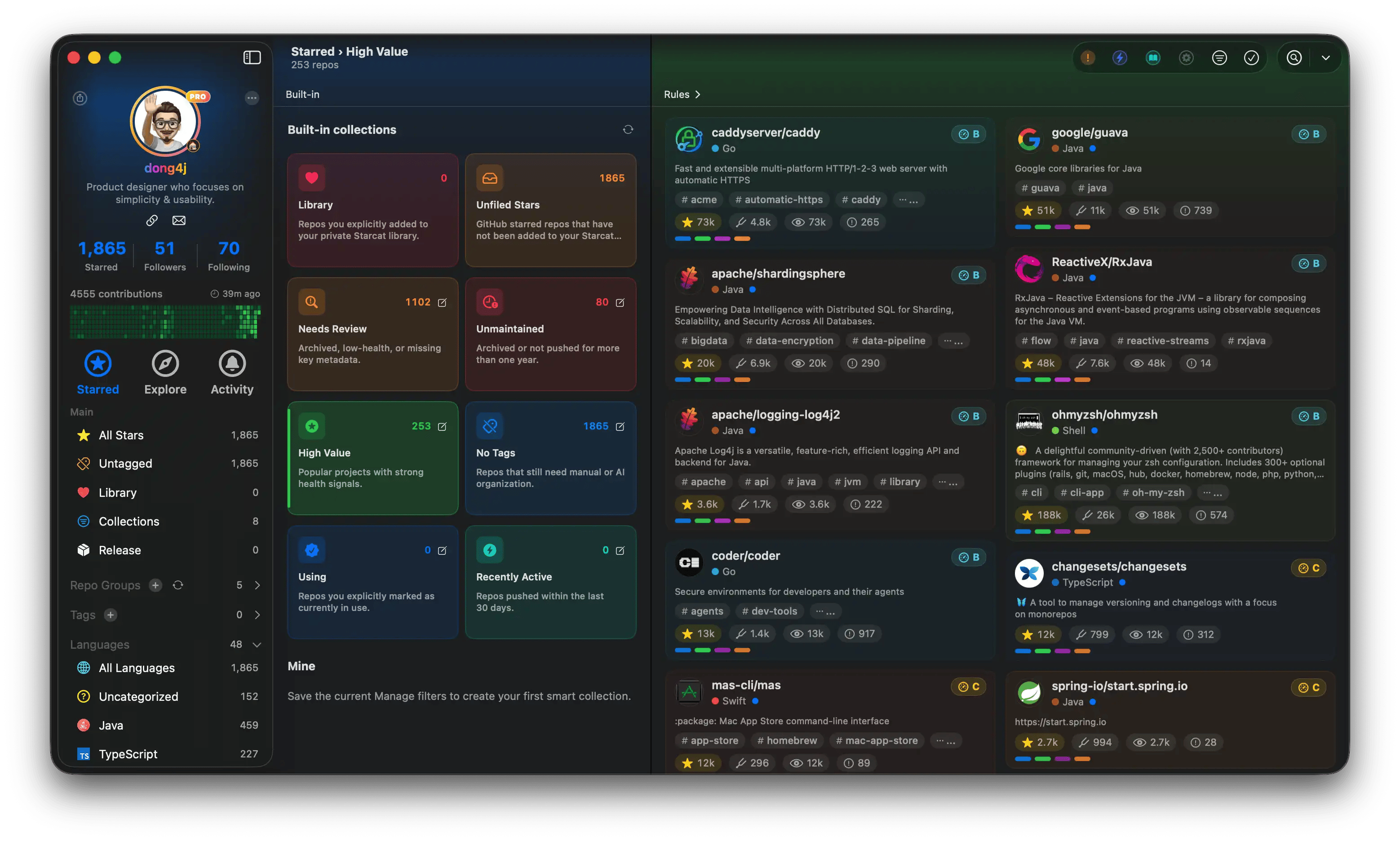
Smart collections
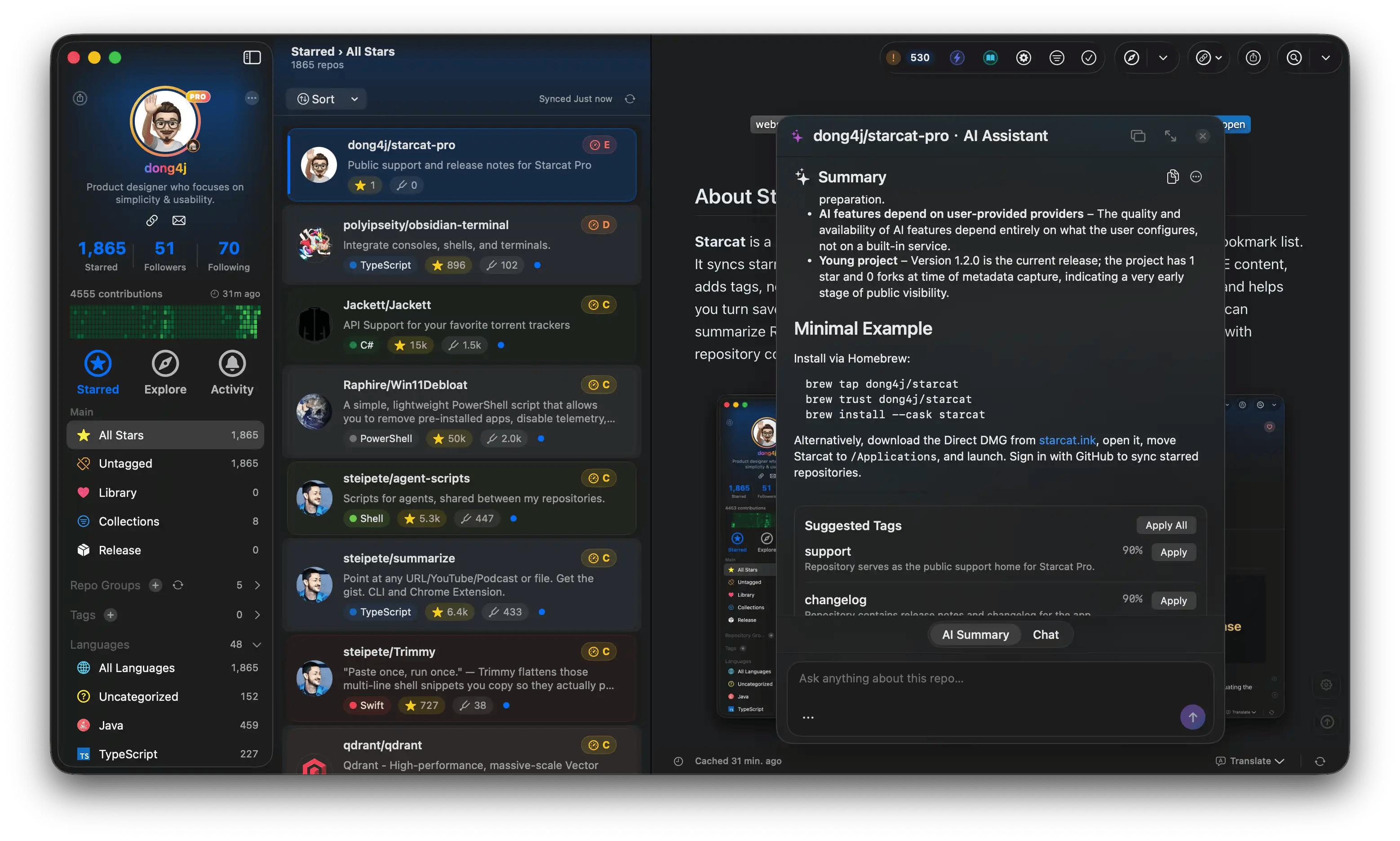
AI summary
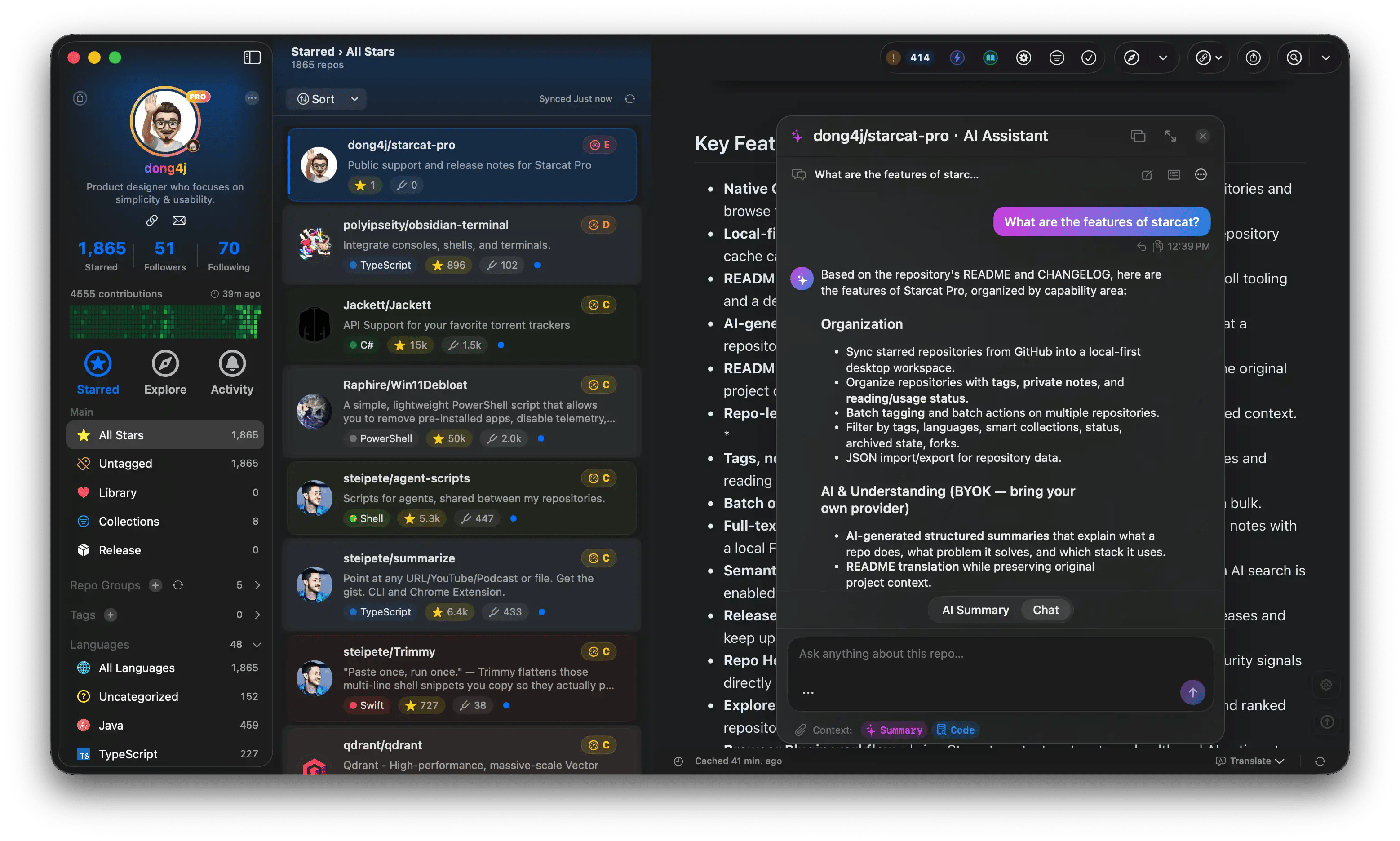
AI chat
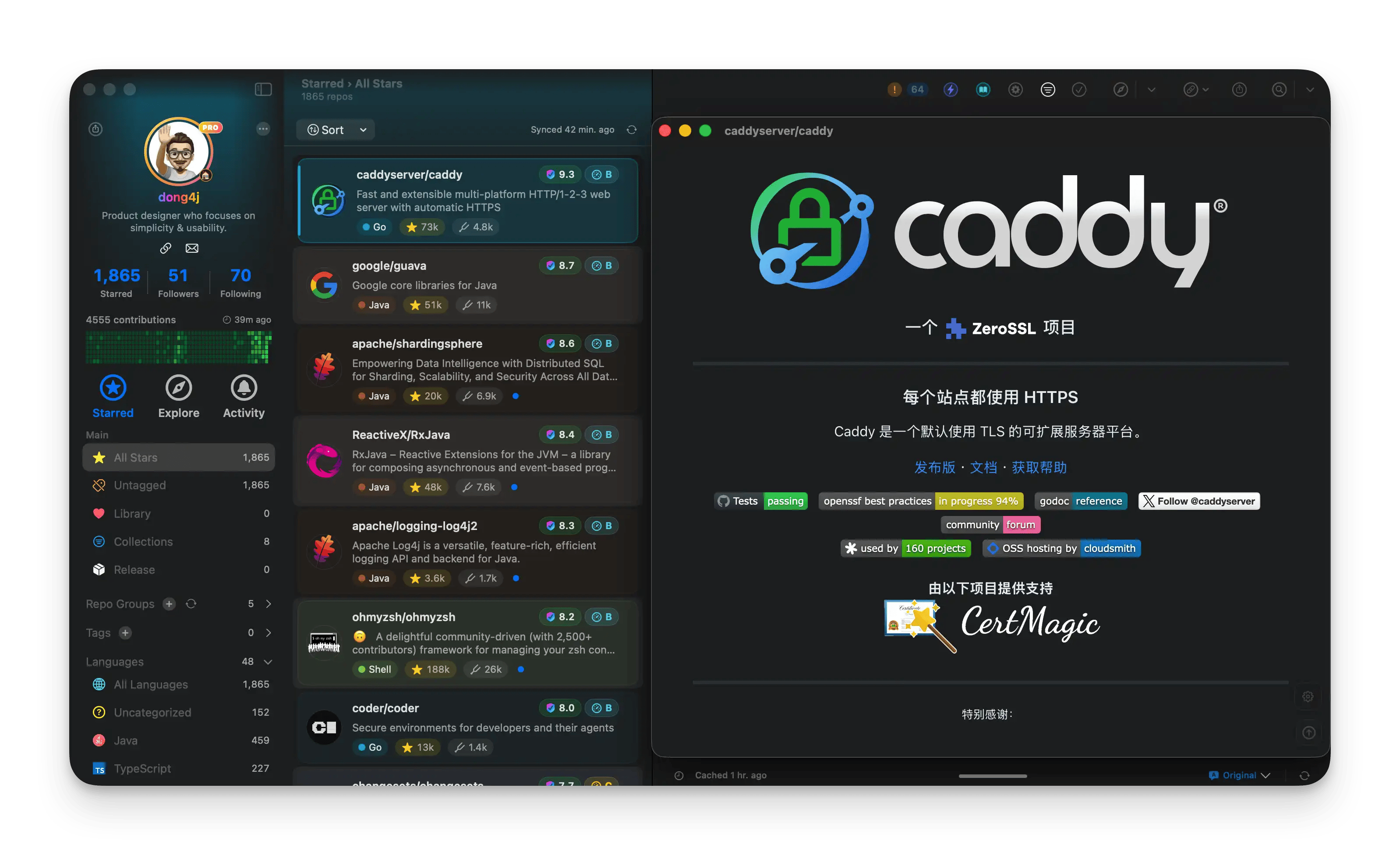
README translation
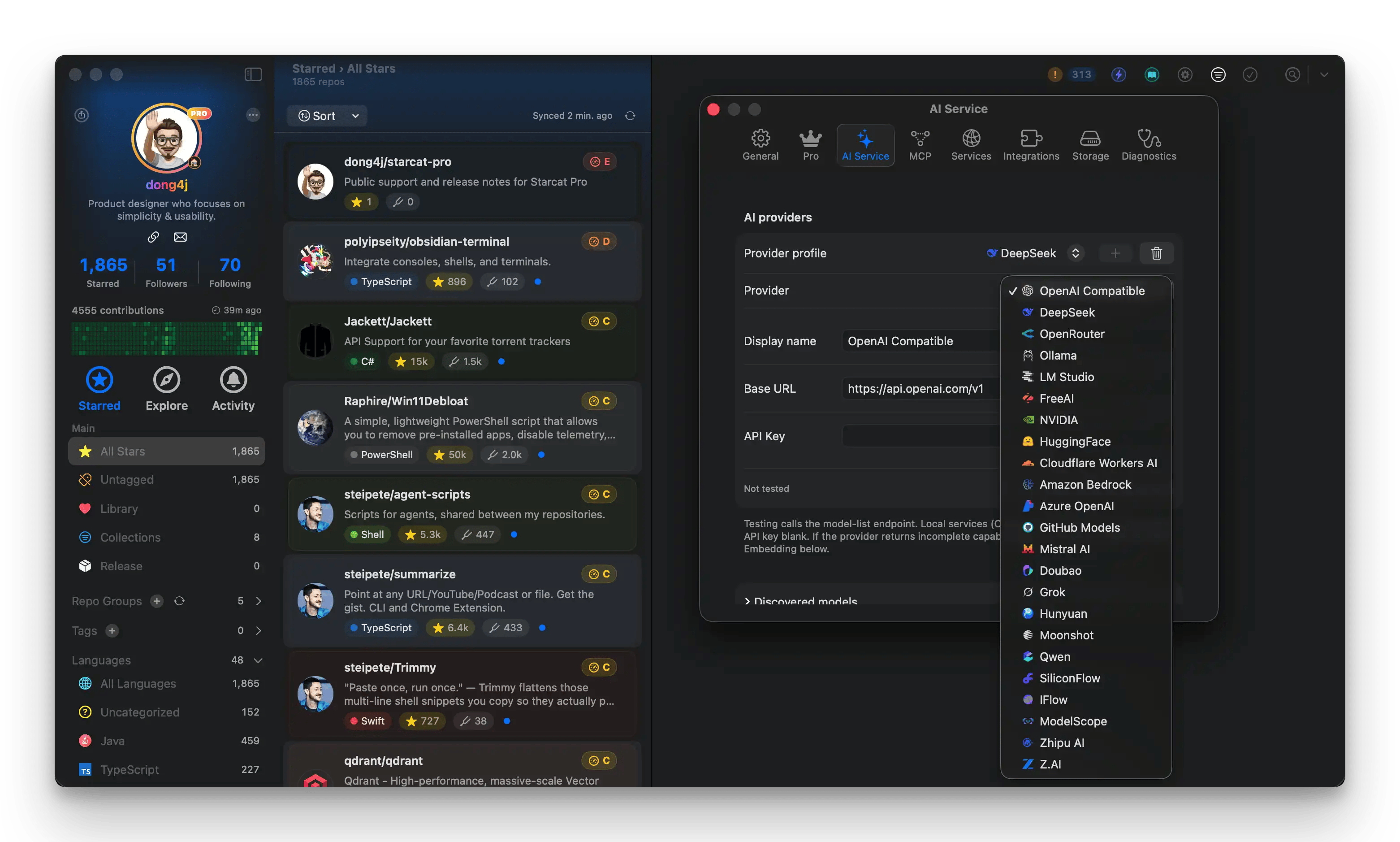
AI configuration
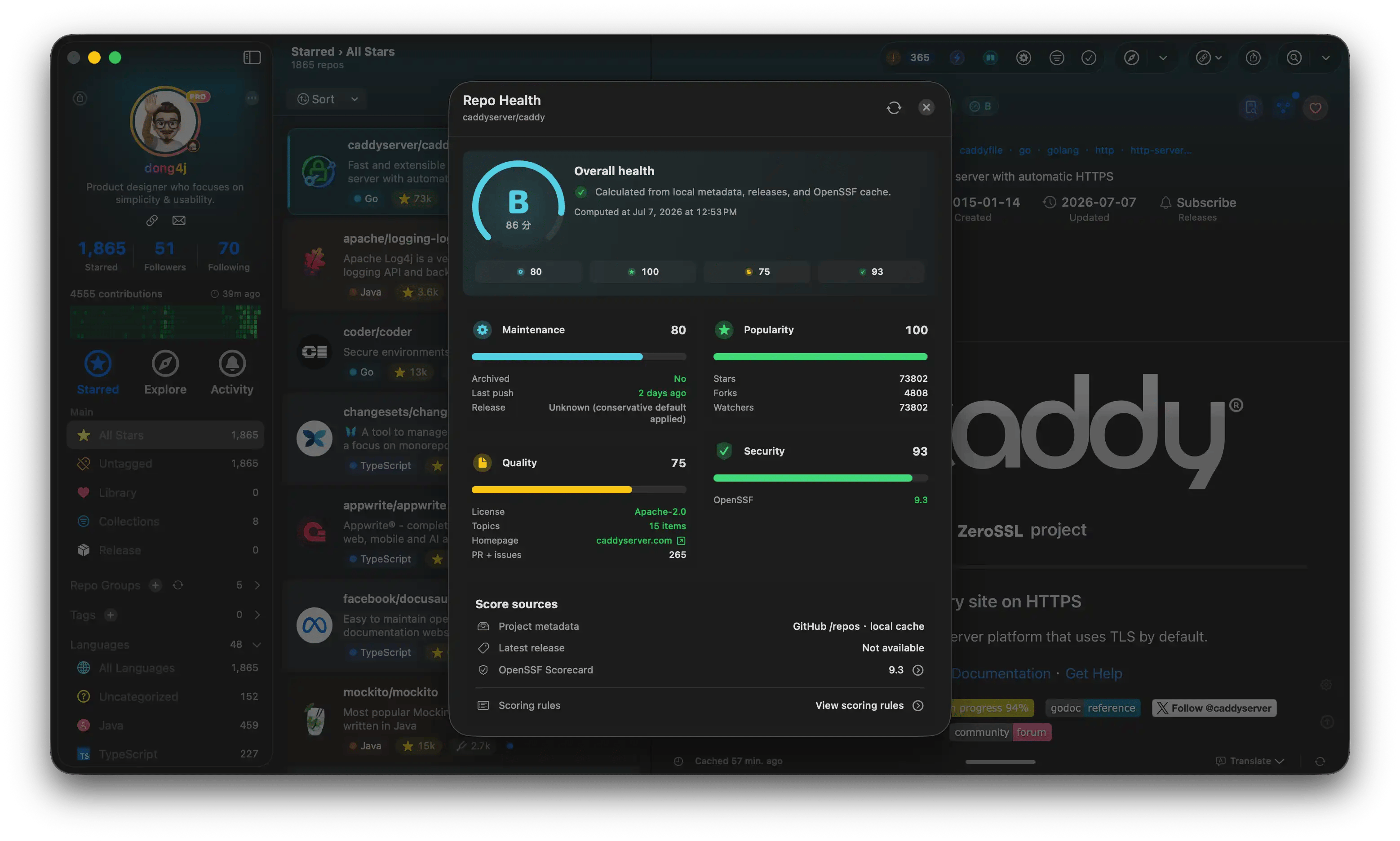
Repo Health
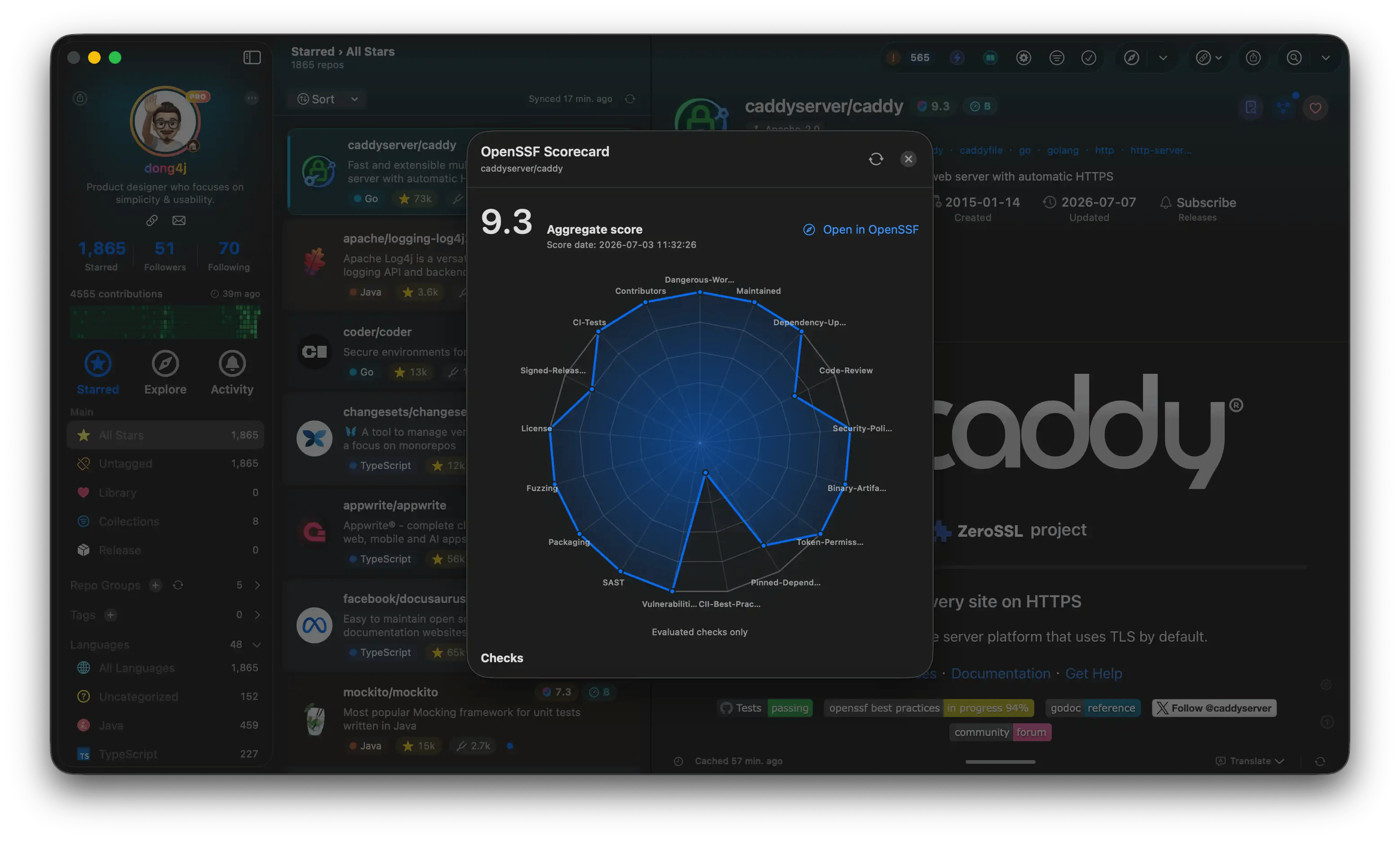
OpenSSF Scorecard

Share cards

Code graph
Download and pricing: starcat.ink. Docs home: starcat.mintlify.app.
Download and purchase
App Store
Mac App Store
Website
Direct download and checkout
Plans
Limits and pricing
Support
Changelog
In-docs release summary
Feedback
Page feedback and email support